
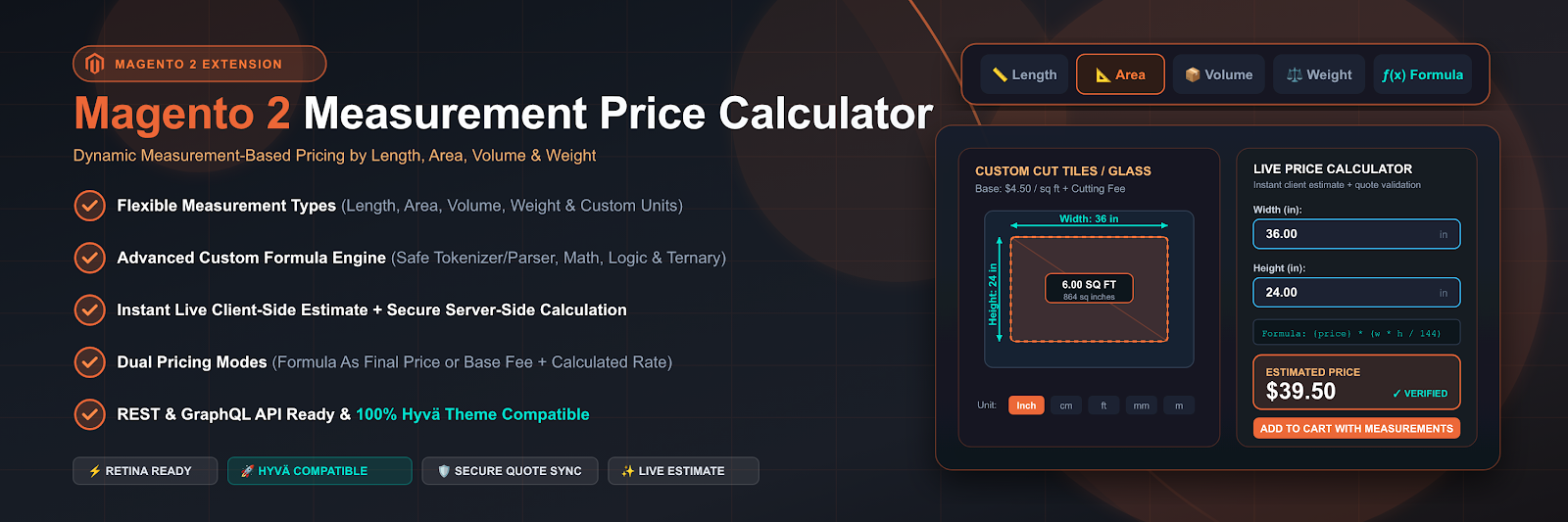
Crevol Measurement Price lets your customers type in their own length, area, volume, or weight — and charges them the exact right amount, automatically, from a formula you write once.
Some products just aren’t sold by the unit.
Fabric, flooring, glass, cable, mulch, water tanks, custom-cut lumber — the price depends on how much the customer needs, and “how much” is a number only the customer knows. Most stores end up faking this with a pile of fixed-size variants, a “please call for a quote” note, or a custom option field that some developer had to hand-wire for one specific product. None of that scales, and none of it lets the customer see the real price before they commit.
Configure the formula once. Every customer after that just types in their own numbers and gets priced correctly — instantly.
Four steps, from admin config to a priced order.
Pick a measurement type and a formula
On the product’s edit page, choose Length, Area, Volume, or Weight. A sensible default formula fills in automatically ({price} * width * height for Area) — edit it if you need bulk discounts, a minimum charge, or a fixed cutting fee on top.
The right fields appear on the product page — nothing hardcoded
The storefront renders exactly the fields that measurement type needs, labeled with the unit you configured, so “10” always reads as “10 cm.”
The customer sees the price before they commit
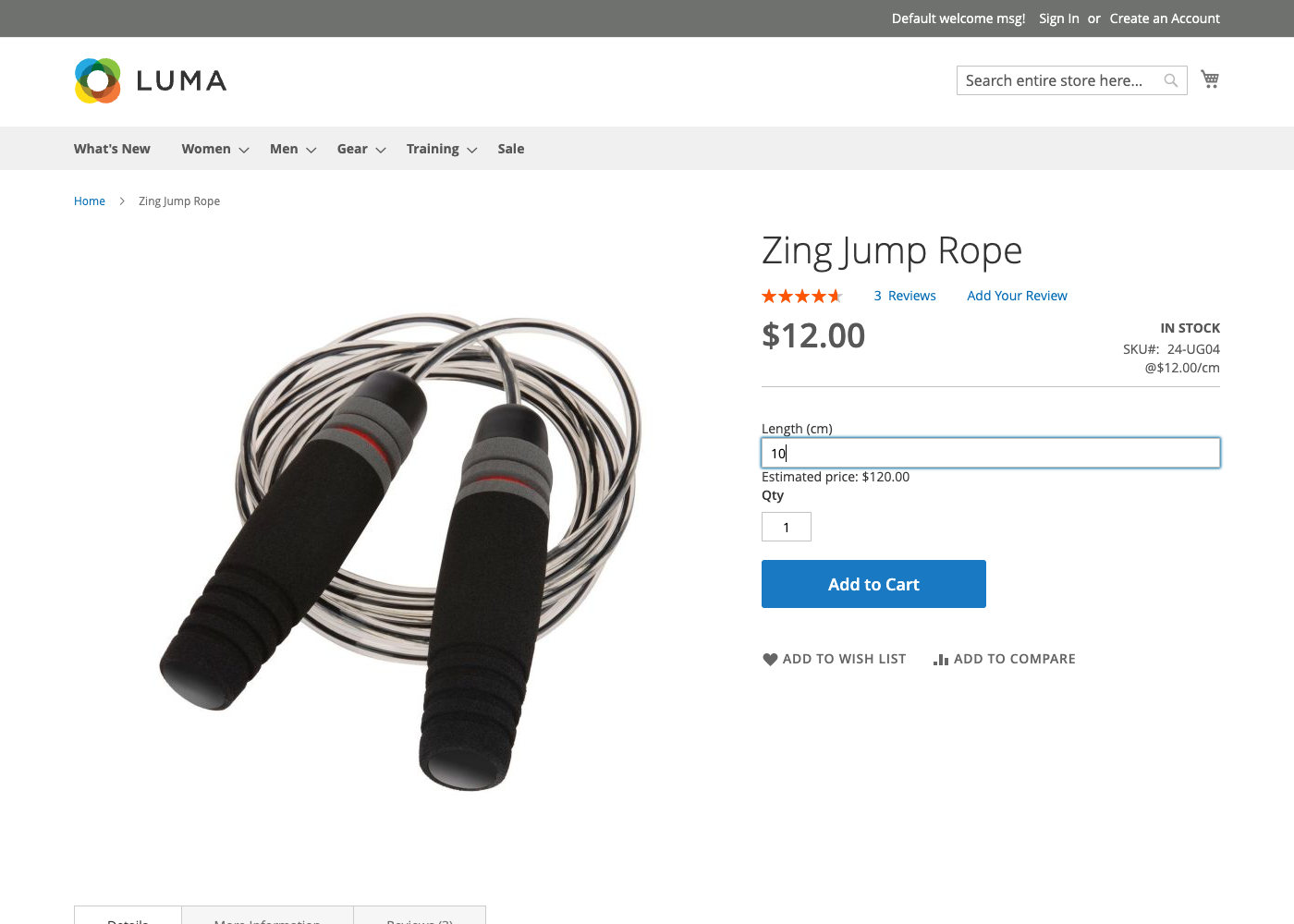
As they type, an AJAX call runs the same formula server-side and shows a live estimate — a convenience preview only; it’s never the number that actually gets charged.
Price is locked in server-side at Add to Cart
The formula runs again, from scratch, on the server the moment the item is added — and the entered measurements travel with the item through the cart, the order, and the invoice.
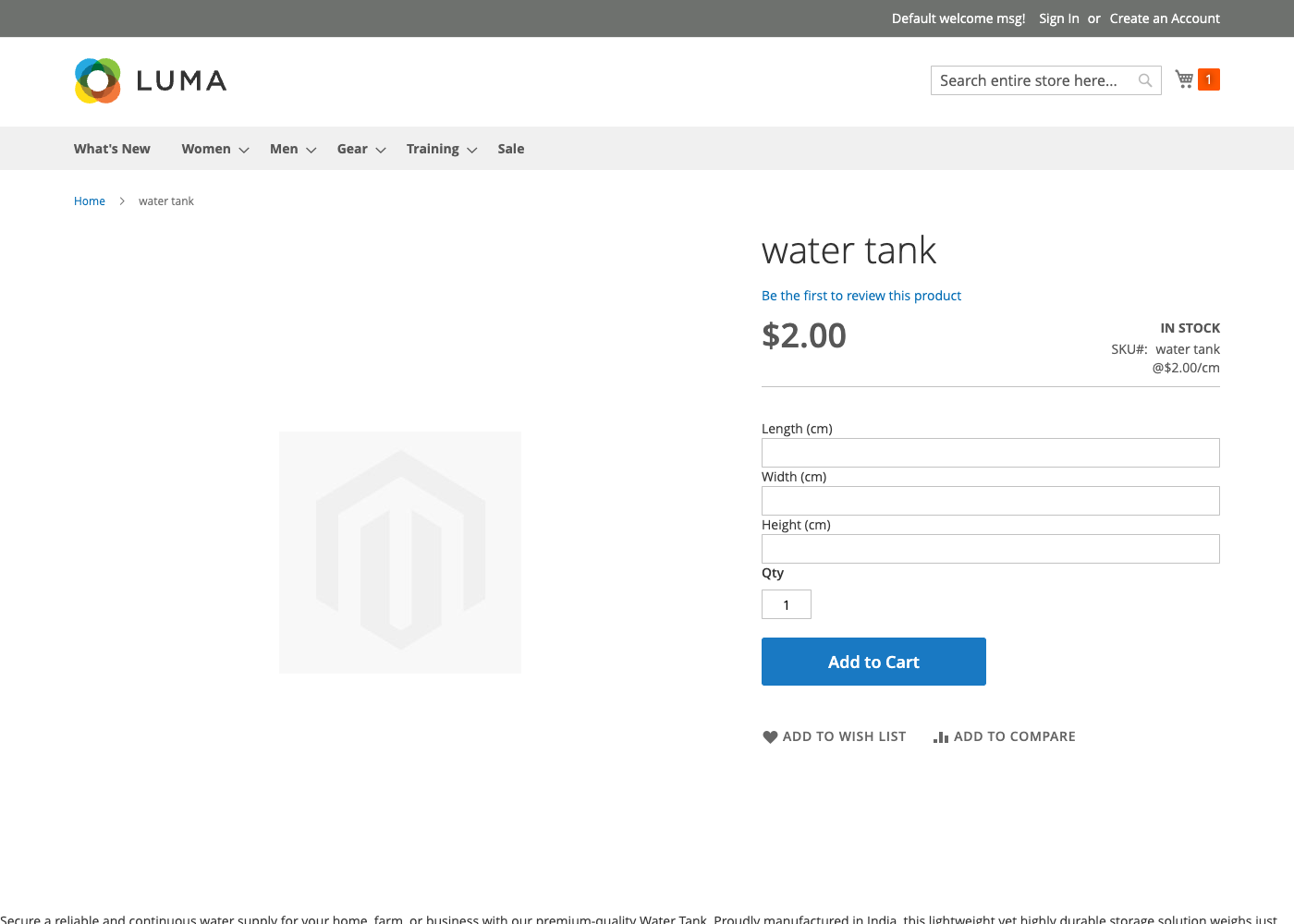
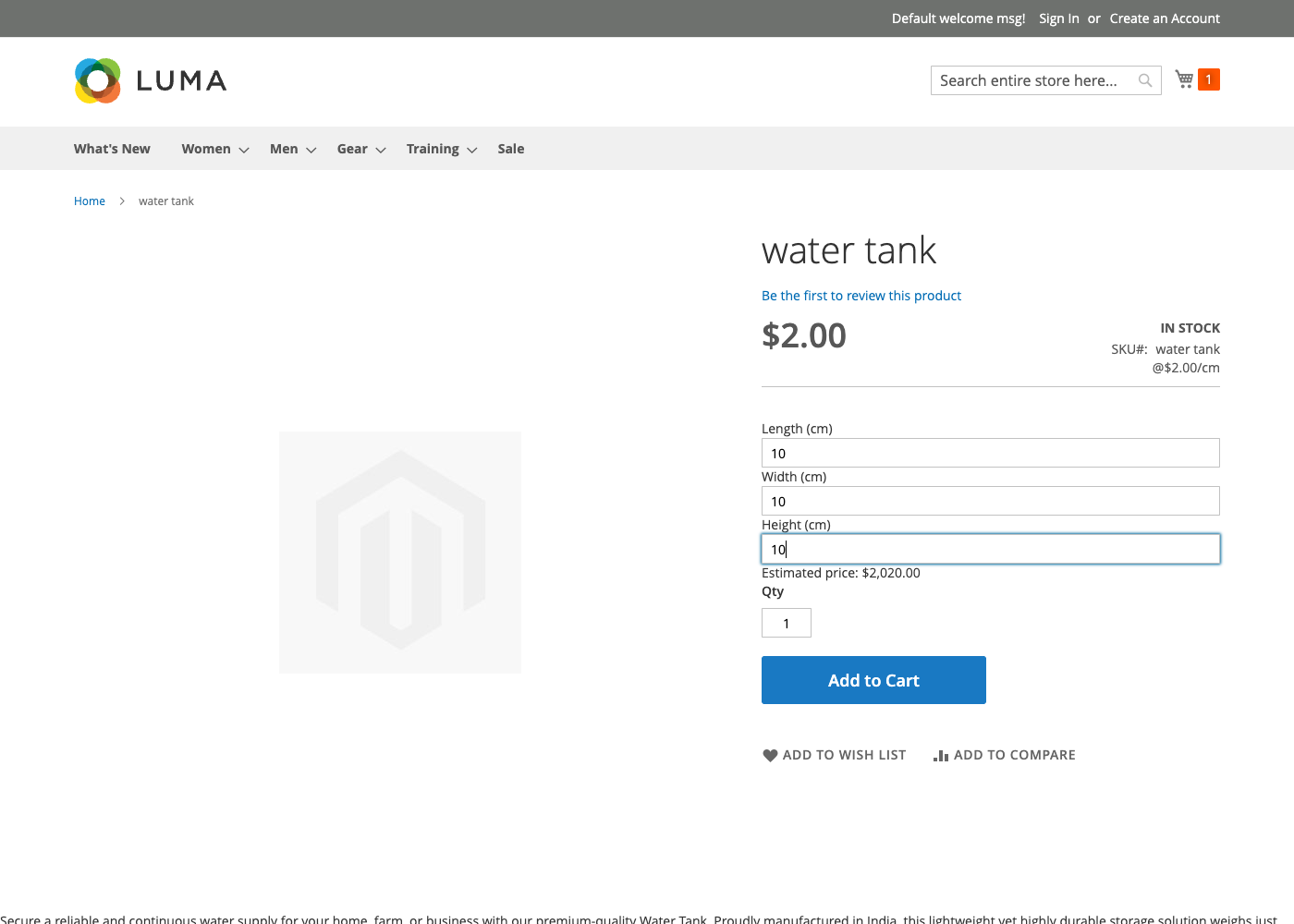
One field for a rope. Three for a tank.
Each type shows only the fields it needs.
| Type | Fields shown | Typical use | Default formula |
|---|---|---|---|
| Length | Length | Rope, cable, molding, trim | {price}*length |
| Area | Width, Height | Tile, fabric, glass, flooring | {price}*width*height |
| Volume | Length, Width, Height | Tanks, soil, concrete, crates | {price}*length*width*height |
| Weight | Weight | Produce, bulk goods, metal stock | {price}*weight |
Not just multiplication — a real, safe expression language.
Every formula is parsed by a small, purpose-built evaluator — never PHP’s eval().
It understands arithmetic, comparisons, a ternary conditional, and a fixed whitelist of
functions on the measurement variables you give it. Nothing else. That’s enough to express
real merchandising rules directly in the formula field:
Two pricing modes
The formula can set the final price outright, or add its result to a separately configured fixed base price — a $15 cutting fee plus {price}*length.
Min / max limits
Reject orders under 10cm or over 500cm — enforced as HTML5 limits on the input and again on the server, so disabling JavaScript can’t bypass it.
No eval(), ever
A hand-written tokenizer and parser can only ever produce arithmetic on known variables and a fixed function list — nothing an admin-entered formula could turn into arbitrary code.
min · max · round · abs · floor · ceil · sqrt
A small, fixed function library — enough to clamp a range, round to a display-friendly value, or price by a curved surface.
Made-to-measure blinds, priced by the square foot.
Blinds are the case that actually needs the ternary logic above, not just bare multiplication — a small custom cut costs a manufacturer disproportionately more per square foot than a large one, because the cutting overhead is fixed. A one-line formula captures that directly on an Area-type product:

The price you show is the price you charge. Everywhere.
A live preview is only useful if it’s never the thing you actually trust. Every path a
product can reach the cart through — the storefront’s own Add to Cart button, the REST
cart API, or a GraphQL addProductsToCart mutation from a headless front end —
runs through the same server-side calculation before the item is ever added.
A real service contract, not just admin-form magic.
Every measurement rule is reachable over REST, and a headless storefront can both discover a product’s fields and preview its price over GraphQL — no hardcoded field lists on the front-end side.
REST CRUD
Read, create/update, or remove a product’s measurement rule, guarded by its own ACL resource under Catalog → Products.
GraphQL headless
Discover a product’s fields and preview its price without hardcoding anything client-side.
Stop hand-wiring custom options.
Configure a formula once, and every product that needs to be priced by how big it is just works — on the storefront, over REST, and over GraphQL.